IPTV Smarters is one of the most popular streaming applications for users who want a simple and powerful way to watch live TV, movies, and series from any device. In 2026, many viewers rely on IPTV Smarters because it offers fast navigation, clean design, and full support for M3U playlists and Xtream Codes. This guide explains everything you need to know about IPTV Smarters, including installation, features, safety, setup methods, and fixes for common issues. The goal is to give you a complete and updated resource that helps you install IPTV Smarters, configure your playlist correctly, and optimize your streaming experience on Firestick, Android, Smart TV, Windows, and iOS.
Since IPTV Smarters is one of the most downloaded apps for streaming in 2026, users often look for a clear tutorial that covers installation, premium features, free options, troubleshooting steps, and compatibility details. This introduction prepares you for a full guide that covers every part of the IPTV Smarters experience so you can start using IPTV Smarters with confidence and enjoy smooth and reliable streaming on your preferred device.
Table of Contents
Complete Step by Step Installation Guide for IPTV Smarters in 2026
Installing iptv smarters correctly is the most important step for achieving smooth playback and a stable streaming experience in 2026. Since iptv smarters works on Firestick, Android, Smart TV, Windows, and iOS, each device requires a specific installation method. This section explains every step clearly so you can set up iptv smarters without errors and start streaming live TV, movies, and series right away.
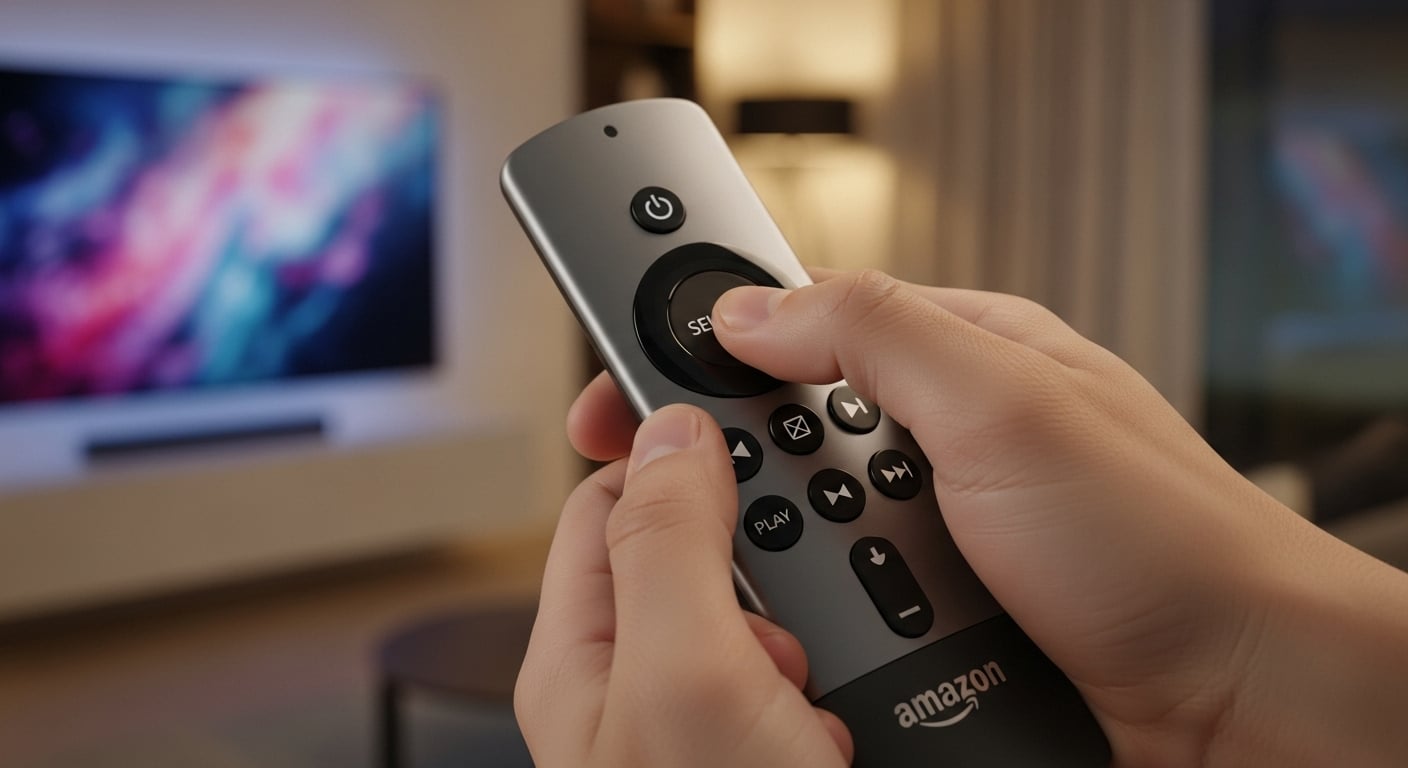
How to Install IPTV Smarters on Firestick in 2026
- Open the Firestick settings menu.
- Select My Fire TV.
- Select Developer Options and enable Apps from Unknown Sources.
- Go back to the home screen and open the search bar.
- Type Downloader and install the Downloader application.
- Open Downloader and enter the official link provided by the iptv smarters website.
- Download and install the iptv smarters application.
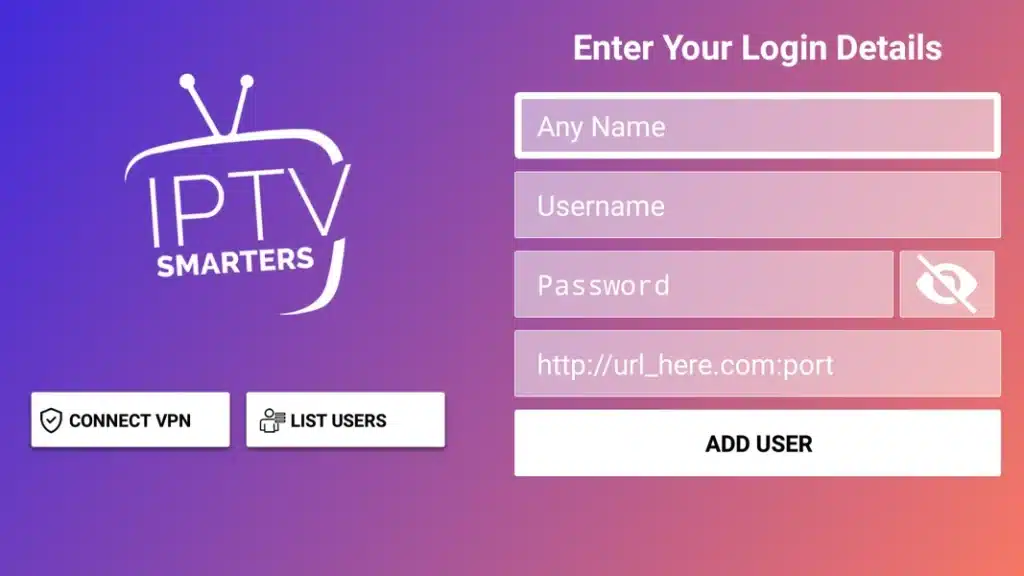
- Open the app and enter your M3U or Xtream Codes details.
This method works on all modern Fire TV models released in 2026.
How to Install IPTV Smarters on Android Devices
- Open the Google Play Store.
- Search for iptv smarters.
- Install the official application.
- Open the app and enter your playlist information.
Android phones, Android TV boxes, and Android Smart TVs all use this same process.
How to Install IPTV Smarters on Windows and Mac
- Visit the official iptv smarters website.
- Download the Windows or Mac version of the app.
- Install the software by following the on screen instructions.
- Open the player and input your login details.
How to Install IPTV Smarters on iPhone or iPad
- Open the App Store.
- Search for iptv smarters.
- Install the app and open it.
- Enter your playlist or API login.
Features, Cost, and Complete Value Breakdown of IPTV Smarters in 2026
Understanding the features and benefits of iptv smarters is essential for anyone who wants a smooth and organized streaming experience in 2026. The app is known for its clean layout, fast navigation, and strong support for live channels, movies, and series. This section explains the most important features of iptv smarters, the difference between the free and premium versions, and why the app is one of the most dependable choices for users who want full control over their playlists.
IPTV Smarters Features Overview
iptv smarters offers a complete set of tools designed to manage live TV, VOD, and series with a simple interface. Users can upload M3U URLs, connect through Xtream Codes API, and switch between profiles easily. The app supports 4K playback, multi device access, and a detailed EPG guide that helps users navigate large channel lists. One of the biggest strengths of iptv smarters is its ability to organize content into clean categories that load quickly and run smoothly on Firestick, Android, Smart TV, Windows, and iOS. These features make iptv smarters a strong option for users who want a reliable and flexible player in 2026.
Free vs Premium: Is the One Time Fee Worth It
The free version of iptv smarters provides basic features such as playlist loading, simple navigation, and access to live channels and VOD sections. The premium version adds advanced tools that improve the overall experience. These include external player support, multi screen viewing, advanced parental controls, additional customization, and smoother app performance. Many users in 2026 choose the premium upgrade because it unlocks better control over layout, faster navigation, and more stable playback. The one time fee is small and provides long term value without recurring payments, making iptv smarters a cost effective choice for daily streaming.
IPTV Smarters vs TiviMate vs GSE Smart IPTV
To understand the strength of iptv smarters, it helps to compare it with the two most common alternatives: TiviMate and GSE Smart IPTV. TiviMate offers a modern layout but works mainly on Android systems. GSE Smart IPTV provides strong customization but can feel more complex for beginners. iptv smarters, on the other hand, works on nearly every device and delivers a balanced mix of simplicity, power, and stability. This wide compatibility makes iptv smarters one of the most versatile players in 2026. It supports large playlists, handles 4K content reliably, and remains easier to configure than most competing apps.
Legality, Safety, and VPN Use for IPTV Smarters in 2026
Understanding the legal and safety aspects of iptv smarters is one of the most important parts of using the app responsibly in 2026. Many users rely on iptv smarters for daily streaming, but they often wonder if the app is legal, how safe it is, and whether they need a VPN. This section explains each point clearly so you can use iptv smarters with confidence and protect your privacy while streaming live channels, movies, and series.
Is IPTV Smarters Legal to Use in 2026
Yes. iptv smarters is legal because it is only a media player. The app does not host or provide content. It simply loads the playlist that you supply through an M3U link or Xtream Codes login. This means the legality depends on the source of the playlist, not the iptv smarters app itself. If your playlist comes from a legal provider, then using iptv smarters is completely legal in 2026. If the playlist includes streams that do not have rights for distribution, then the content source may be illegal, even though the iptv smarters app remains legal as software.
Is IPTV Smarters Safe to Use
iptv smarters is safe when downloaded from official sources. Users should always install iptv smarters directly from the Play Store, App Store, or the official website. In 2026, the biggest safety risk is downloading modified or fake versions of iptv smarters from untrusted websites. These unofficial versions may contain harmful code or malware. Always make sure you install the authentic version to keep your data and your device secure.
Why You Should Use a VPN with IPTV Smarters
Using a VPN is highly recommended for anyone who streams with iptv smarters in 2026. A VPN protects your privacy by encrypting your connection, preventing internet providers and external trackers from seeing your streaming activity. A VPN also helps unlock channels that are restricted by region. Many users notice more stable performance because the encrypted connection avoids certain forms of traffic filtering that can affect iptv smarters. By combining a trusted VPN with iptv smarters, you gain privacy, safety, and access to more content without limitations.
Advanced Troubleshooting and Error Fixes for IPTV Smarters in 2026
Even with a stable setup, some users may experience issues while using iptv smarters in 2026. Most problems are easy to fix once you understand how the app loads playlists, manages cache, and retrieves EPG data. This section provides clear solutions for the most common iptv smarters errors so you can restore smooth and reliable streaming without frustration.
How to Fix Buffering and Freezing on IPTV Smarters
Buffering is one of the most common issues for iptv smarters users. In 2026, this usually happens due to poor WiFi signals, outdated settings, or overloaded playlist sources. Here are the fastest fixes:
- Connect your device to a strong WiFi network or use Ethernet for better stability.
- Open iptv smarters, go to Settings, and clear the cache to remove old data.
- Enable the external player option inside iptv smarters to reduce decoding pressure on the device.
- Restart the app and reload your playlist to refresh the connection.
These steps help most users restore smooth playback and reduce interruptions on iptv smarters.
How to Fix EPG Not Loading on IPTV Smarters
The EPG guide in iptv smarters depends on clean links and correct time settings. If your EPG does not load, use these steps:
- Go to the EPG section and press the Refresh button.
- Check if your provider uses a separate EPG URL and enter it manually.
- Adjust the EPG time offset inside the iptv smarters settings.
- Reload your playlist to force an update.
With these adjustments, the EPG inside iptv smarters usually loads correctly without missing channels.
How to Fix Authorization or Connection Failed Errors
When iptv smarters shows an authorization error, it usually means the login details or playlist URL contains a mistake.
- Check that your M3U URL or Xtream Codes API credentials have no extra spaces.
- Make sure http or https is entered exactly as your provider supplied.
- Contact your provider to verify if the server is online.
These steps help iptv smarters reconnect smoothly in 2026.
IPTV Smarters Free vs Premium Comparison in 2026
Understanding the difference between the free version of iptv smarters and the premium version is important for users who want the best performance in 2026. Both versions allow you to load playlists, watch live channels, and access VOD, but the premium version adds features that improve speed, control, and overall user experience. This section explains what each version offers so you can decide which option fits your iptv smarters setup.
What You Get With the Free Version of IPTV Smarters
The free version of iptv smarters provides all basic functions needed to start streaming. Users can load an M3U playlist or use Xtream Codes API, switch between categories, and watch live channels, movies, and series. The interface is simple and loads quickly on most devices. In 2026, the free version remains a strong option for beginners who want to test iptv smarters without upgrading immediately. However, certain advanced tools are locked behind the premium upgrade.
What the Premium Version Adds to IPTV Smarters
The premium version of iptv smarters unlocks features that make the app more powerful and more customizable. Premium users get multi screen viewing, which allows them to watch more than one channel at the same time. They also gain access to the external player option, giving them more control over video quality. Advanced parental controls, cleaner EPG navigation, and layout customization also become available. In 2026, many experienced users prefer the premium version because it gives iptv smarters faster performance and better organization for large playlists.
Is Upgrading to Premium Worth It in 2026
For most users, upgrading iptv smarters to premium is worth the one time fee. The added features improve navigation, increase stability, and make the interface more flexible for daily use. Users with large M3U lists or multiple profiles benefit from premium tools that streamline the entire experience. Since the fee is not monthly and stays active long term, the premium upgrade provides strong value for anyone who depends on iptv smarters as their main player in 2026.
IPTV Smarters vs Other IPTV Players in 2026
Comparing iptv smarters with other major players is the best way to understand its strengths in 2026. Many users look at TiviMate, GSE Smart IPTV, and other players before choosing the right option. This section explains how iptv smarters performs in real use, how it handles playlists, and why it remains one of the strongest choices for live TV and VOD streaming. By comparing features, layout, and performance, you can see why iptv smarters is preferred by many viewers who want a complete and simple streaming solution.
IPTV Smarters vs TiviMate
TiviMate is a popular alternative for Android users, but when compared with iptv smarters, the difference in compatibility becomes clear. TiviMate works only on Android systems, while iptv smarters supports Firestick, Smart TV, iOS, Windows, and Android. This wider compatibility makes iptv smarters more flexible for users who switch between devices. TiviMate does offer a modern layout, but iptv smarters provides a cleaner interface for large playlists and supports quick category loading, detailed EPG sections, and organized VOD navigation. In 2026, many users who need multi platform support choose iptv smarters because it handles playlists more smoothly across all devices.
IPTV Smarters vs GSE Smart IPTV
GSE Smart IPTV is known for its customization tools, but it can feel complex for beginners. iptv smarters, however, offers a simpler menu system that loads channels faster and organizes VOD content more clearly. While GSE Smart IPTV supports advanced playlist editing, iptv smarters provides a smoother experience for daily streaming on Firestick, Smart TV, and iOS devices. In 2026, users often prefer iptv smarters because it combines strong performance with easy setup and fast navigation, making it a better choice for people who want a stable and user friendly player.
Why IPTV Smarters Stands Out in 2026
The biggest advantage of iptv smarters is its balance of power and simplicity. It supports M3U playlists, Xtream Codes API, multi screen viewing, and parental control while remaining easy to install on any modern device. The speed of category loading and the smooth handling of large playlists make iptv smarters a top choice for users who want consistent performance. By combining strong compatibility, fast navigation, and a clean layout, iptv smarters remains one of the most reliable players for IPTV streaming in 2026.
Conclusion and Frequently Asked Questions About IPTV Smarters in 2026
Choosing iptv smarters in 2026 gives users one of the most stable and flexible tools for watching live TV, movies, and series across multiple devices. The app remains popular because it supports large playlists, loads channels quickly, and works smoothly on Firestick, Android, Smart TV, Windows, and iOS. With advanced features, a simple layout, and strong compatibility, iptv smarters continues to be one of the best players for users who want a complete and reliable streaming experience.
Is IPTV Smarters Updated Regularly in 2026
Yes. iptv smarters continues to receive updates in 2026 to improve stability, security, and performance. Updates help the app support new devices, improve 4K playback, and fix minor bugs that users report over time.
Can I Use IPTV Smarters on Multiple Devices
Yes. One of the strongest advantages of iptv smarters is its support for multiple devices. You can install iptv smarters on Firestick, Smart TV, Android, iOS, and Windows. This makes it a flexible solution for households that want to stream on different screens.
Does IPTV Smarters Include Parental Controls
Yes. iptv smarters includes strong parental control features. These allow users to restrict certain categories or channels. This is useful for families who want to manage content more safely in 2026.
Does IPTV Smarters Support 4K Channels
Yes. iptv smarters supports 4K streams as long as your device and playlist provider both support 4K links. In 2026, many users choose iptv smarters for its strong performance with high resolution streaming.
Is IPTV Smarters Free or Paid
iptv smarters has both a free version and a premium version. The free version works well for basic streaming, while the premium version unlocks advanced features such as layout customization, multi screen viewing, and external player support.
Is IPTV Smarters Safe to Use
iptv smarters is safe when downloaded from official sources. Users should avoid unofficial APKs to protect their devices. This ensures that iptv smarters runs cleanly and securely in 2026.
To get the best results with iptv smarters, choose one of our top rated plans that include 4K channels, huge VOD libraries, and instant activation:
👉 3 Months IPTV Plan
https://xtreme-hd-iptv.us/product/iptv-org-3-months-subscription/
👉 12 Months IPTV USA Plan
https://xtreme-hd-iptv.us/product/iptv-usa-12-months-subscription/
These plans work perfectly with iptv smarters on Firestick, Smart TV, Android, iOS and Windows. Activate your subscription today and enjoy unlimited streaming with stable servers, fast support, and premium quality.